
Western Digital 4TB WD Red Plus
4.2Editor score
NAS-optimized 4TB capacity
CMR recording consistency
Eight-bay system support
Designed for continuous operation
Archiving high-resolution video requires more than enough space. It also demands dependable sustained throughput, NAS-aware hardware, manageable heat and vibration, and an enclosure that can move large files efficiently. Our guide covers ten drives and NAS systems for building private 4K and 8K archives, from accessible home options to production-oriented infrastructure.
We compared the products using their supplied specifications, including capacity, rotational speed, cache, interface, RAID support, network architecture, NAS optimization, media features, and intended workloads. The list includes enclosed NAS platforms, capacity-focused hard drives, a NAS-oriented SATA SSD, and a surveillance drive whose strengths may suit particular video workflows better than general-purpose storage.
Each review explains where the product fits, what advantages its design offers, and where it may be less suitable. The three highlighted picks represent our budget, overall, and premium choices, but the right archive depends on your footage, collaborators, retention plan, and network. Prices and availability change frequently, so confirm current details before purchasing.
4.2Editor score

4.6Editor score

4.0Editor score
As an Amazon Associate we earn from qualifying purchases.
This side-by-side comparison distinguishes complete NAS platforms from individual storage drives, while highlighting the capacity, interface, NAS features, and workload strengths that matter most to high-resolution video archives.





The UGREEN NAS DH4300 Plus is an approachable four-bay enclosure for home users, families, and remote workers who want private 4K and 8K storage without managing a complicated enterprise platform. Its 4.2 rating reflects a balance of usability, modern connectivity, and useful backup features, although the enclosure must be paired with separately purchased drives.
We may earn a commission when you buy through this link, at no additional cost to you.
The supplied specifications highlight a 2.5GbE network port, 8GB of LPDDR4X memory, Docker support, and 4K HDMI output. A claimed one-gigabyte transfer in roughly three seconds makes it more appropriate for large media files than many basic network-storage offerings, though real results will depend on the router, client, drive choice, and file size. Automatic phone photo and video backup, semantic search, AI albums, duplicate removal, and remote access make the platform especially approachable for mixed-device households.
There are important limitations. The DH4300 Plus supports Docker but not virtual machines, Plex must run through Docker, and networking is wired Ethernet rather than Wi-Fi. Maximum capacity is advertised using RAID 0 with compatible drives, so that figure does not describe the usable capacity of every RAID configuration. Users also need to supply their own HDDs or SSDs, and performance will vary with the selected media.
This is a strong recommendation for someone creating a first family video archive, moving away from cloud-only storage, or sharing footage with relatives across different operating systems. Buyers who need professional multi-user editing, expanded virtual-machine workloads, or the highest listed network performance should look toward a more specialized NAS. For a straightforward home archive with room to grow, the DH4300 Plus offers a useful and approachable foundation.
Windows, macOS, Android, iOS, browser, and smart-TV access gives family members a practical way to browse and share footage without uploading every master file to an external cloud service. Remote access can be especially useful for relatives who live elsewhere or for owners who want to retrieve important footage while traveling.
The 2.5GbE connection and 8GB memory provide a meaningful step above basic 1GbE equipment for large video files. This makes the enclosure more comfortable for local playback, media indexing, automated backups, and lightweight transcoding-related applications, provided the rest of the network and installed drives can keep pace.
We may earn a commission when you buy through this link, at no additional cost to you.
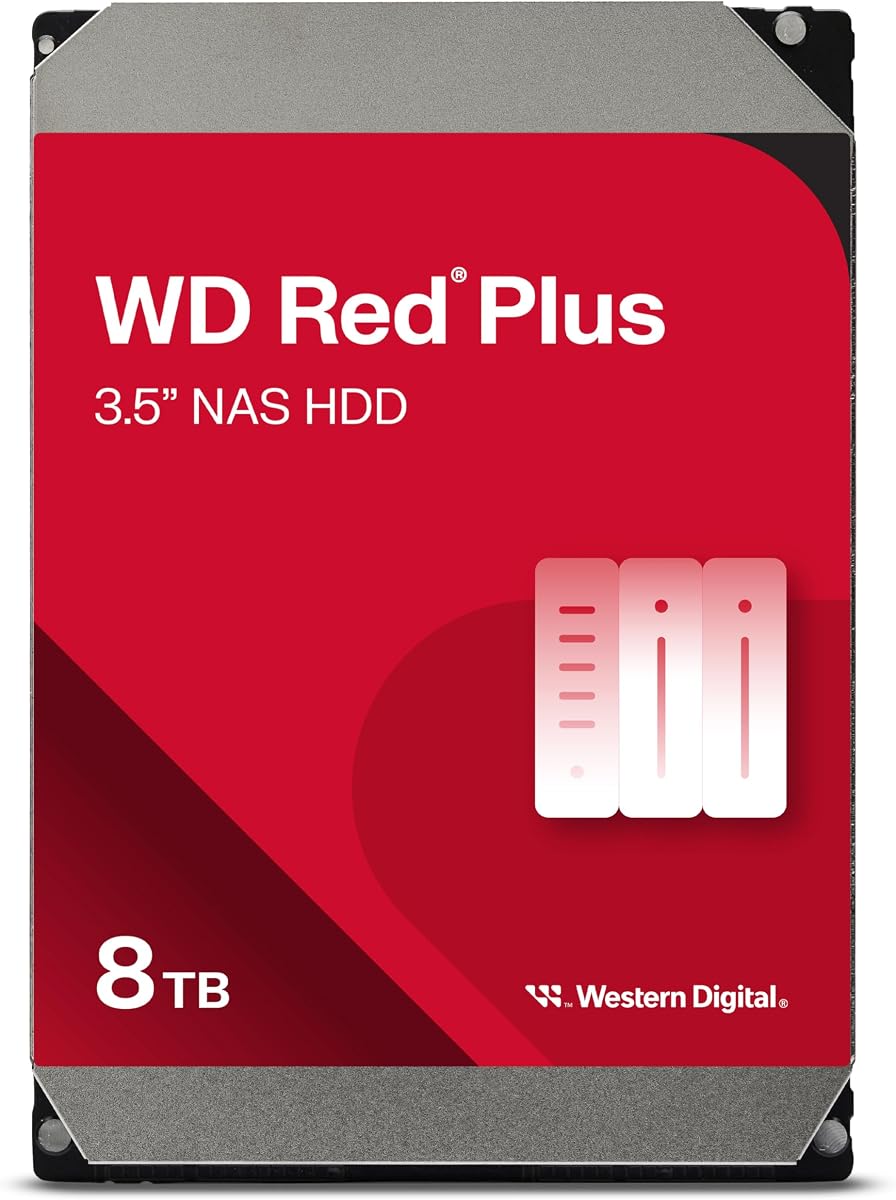
The Western Digital 8TB WD Red Plus, model WD80EFPX, is a conventional NAS hard drive for creators and families that need a practical balance of capacity, sustained throughput, and multi-bay suitability. Its 4.2 rating is supported by features aimed at 24×7 storage systems rather than the lighter, intermittent demands typical of desktop storage.
We may earn a commission when you buy through this link, at no additional cost to you.
The drive uses a 5640 RPM spindle, 256MB cache, SATA 6Gb/s interface, and CMR recording, while its stated workload rating reaches 180TB per year. NASware firmware is included for compatibility tuning, and the drive is specified for small or medium business NAS systems operating around the clock. These characteristics make it a sensible foundation for a multi-bay archive containing 4K footage, completed projects, family recordings, and important source files.
As with any mechanical archive drive, sustained performance is bounded by rotational mechanics. Large sequential transfers are its natural strength, while small random operations and heavy concurrent I/O are less ideal than a solid-state or hybrid storage design. Compatibility should also be checked against the intended NAS, and the listed capacity will not translate directly into the usable RAID volume because redundancy consumes space.
Choose the WD80EFPX when you want a straightforward, high-capacity hard drive for a home or small-business NAS and value its NAS-specific tuning and CMR recording. It is less suitable for a latency-sensitive editing scratch disk or a system requiring very high random I/O. For long-term video retention, it is a more purposeful NAS choice than a generic desktop drive.
CMR recording can be especially valuable in a multi-bay array because it avoids the write-penalty and recovery complexities associated with some SMR configurations. That makes the drive easier to reason about when rebuilding a large video volume after a disk failure.
Eight terabytes provides a useful amount of room for high-resolution source footage without requiring the largest available hard drive. It is a practical middle ground for a home archive that already has several terabytes of older material and is preparing for additional 4K or 8K material.
We may earn a commission when you buy through this link, at no additional cost to you.
The Seagate 8TB BarraCuda, model ST8000DM004, is a high-rated general-purpose hard drive that can provide inexpensive capacity for a lightly loaded media repository. Its 4.5 rating is the second-highest among the drives in this guide, although that rating should not be confused with suitability for every NAS role or sustained multi-user workload.
We may earn a commission when you buy through this link, at no additional cost to you.
Its specified sustained transfer rate of 190MB/s is adequate for moving completed 4K files between a computer and a local archive. The SATA 6Gb/s interface and eight-terabyte capacity are useful for families or independent creators who want room for large recordings without moving to a production-class NAS drive. BarraCuda is described as a solution for desktop, gaming, music, photo-editing, and video-editing applications.
The important qualification is that this is not presented as a NAS-specific drive. It lacks the stated NAS workload rating, continuous-operation specialization, multi-bay vibration management, and firmware compatibility features found in WD Red products. Placing several desktop-oriented drives in a busy, always-on array can therefore be a less conservative choice, particularly where rebuilds, vibration, or concurrent access matter.
The ST8000DM004 makes sense as a budget-oriented archive disk for a lightly used enclosure, a single-drive system, or a secondary library that is not the sole copy of critical footage. For a 24×7 multi-bay NAS, a NAS-specific drive is generally the more defensible option. Buyers should verify enclosure support and accept the workload trade-off before using it as the foundation of a critical archive.
A stated sustained rate of 190MB/s makes the drive well suited to copying large, sequential media files and organizing archived footage. That type of workload plays to the strengths of a desktop hard drive more effectively than maintaining a busy database or serving many simultaneous users.
The absence of a stated NAS workload rating or NAS-tuned firmware means this drive is best treated as a secondary or light-duty option. It is less compelling for intensive arrays, especially when every drive must remain online through continuous indexing and backup activity.
We may earn a commission when you buy through this link, at no additional cost to you.
The Western Digital 4TB WD Red Plus, model WD40EFZZ, is a budget-conscious NAS drive for users who want dedicated NAS behavior without moving to a high-capacity Red Pro model. Its 4.2 rating reflects a solid general-purpose position, and the supplied specifications explicitly target RAID-optimized systems with up to eight bays.
We may earn a commission when you buy through this link, at no additional cost to you.
The drive includes 128MB of cache, a 5400 RPM spindle, SATA 6Gb/s connectivity, and CMR recording. NASware tunes drive parameters for NAS workloads, while the continuous-operation design targets systems that remain available throughout the day. Four terabytes is a modest capacity compared with the 8TB, 16TB, and 26TB alternatives here, but it can be enough for a focused archive or for adding another drive to an existing array.
Its 5400 RPM speed and smaller cache make it less attractive when many users need to work simultaneously from the same volume. Users seeking a high-performance editing cache or frequently accessed working set should place that workload on an SSD. The WD40EFZZ is better viewed as a capacity tier that stores finished footage, source media, and long-term assets that do not need instant response.
This is the best budget-oriented pick in the guide when the enclosure is a compatible multi-bay NAS and the archive is more important than maximum density. It is a sensible way to begin building a private 4K library, add redundant storage, or keep expenditure proportional to the amount of footage currently owned. Its 4TB capacity simply means the system may need more drives sooner than a larger-capacity build.
NASware and a design centered on continuous operation distinguish this model from a generic desktop disk. That focus is valuable when the drive will live in a multi-bay enclosure, contribute to RAID, and remain connected to a family or small creative team.
Because rotational speed and cache are modest, the drive is most effective for sequential writing and infrequently accessed footage. Pairing it with an SSD for applications, indexing, or active projects can provide a more balanced small NAS.
We may earn a commission when you buy through this link, at no additional cost to you.
The UGREEN DXP4800 Plus is the most versatile all-round NAS in this guide and earns the Editor's Choice designation for combining strong networking, modern application support, and accessible multi-device access. Its 4.6 rating is the highest among the complete NAS platforms, and its feature set is particularly relevant to independent creators and small teams handling 4K or 8K material.
We may earn a commission when you buy through this link, at no additional cost to you.
The supplied specifications identify a 10GbE port and 10Gbps USB ports, with claimed one-gigabyte backups in less than a second under suitable conditions. Docker and virtual-machine support broaden the platform beyond simple file sharing. The enclosure supports up to 144TB in the advertised maximum configuration, automatic backups, remote access, RAID choices, flexible permissions, and encryption. AI-powered photo albums can organize media by faces, scenes, objects, and locations while removing duplicates.
Storage drives are not included, and the maximum capacity is based on RAID 0 rather than a protected configuration. Actual transfer speed will vary with the router, client, CPU, selected drives, and file size. Users also need compatible third-party disks and should check the published compatibility list. These caveats make planning more involved than simply inserting a generic desktop drive and expecting the headline figures.
The DXP4800 Plus is well suited to creators, families, and small offices that want a single platform for high-speed transfers, private remote access, media organization, and containerized services. Choose a NAS-specific HDD for bulk archives and consider SSD acceleration for demanding applications. It is less suitable for buyers who need a completely turnkey system with drives included or an organization requiring the explicit enterprise support framework offered by the premium production NAS.
The 10GbE connection gives large media files a substantially better local transfer path than gigabit Ethernet. That is especially valuable when moving camera originals between editing workstations, ingesting cards, clients, and the NAS over a wired professional network.
Flexible permissions, encryption, automatic backups, and cross-platform access make the enclosure useful for teams that need to collaborate without routing every file through an external cloud platform. Docker and virtual-machine support also let administrators place selected services alongside the archive.
We may earn a commission when you buy through this link, at no additional cost to you.
The Synology DS1825+ is the premium choice for studios, post-production teams, and organizations that need an eight-bay NAS designed around demanding media workflows. Its 4.0 rating does not lead the list, but the product is evaluated here on suitability for large-scale 4K and 8K production rather than general consumer appeal.
We may earn a commission when you buy through this link, at no additional cost to you.
The supplied information highlights support for more than 50 concurrent users editing 4K and 8K projects, stated speeds reaching 2,239MB/s, and simultaneous databases, virtual machines, and media services. Storage can grow from 160TB to 360TB using expansion units, while optional 10GbE or 25GbE network upgrade cards support demanding creative teams and large transfers.
The platform is not a simple consumer appliance. It is a diskless, eight-bay system intended for compatible installation, and the premium data-protection features add architectural and administrative complexity. High-availability clustering, automated failover, comprehensive backup, dedicated technical account management, and a three-year warranty are most valuable to organizations that treat the archive as business-critical infrastructure.
Choose the DS1825+ when multiple editors need simultaneous access, footage is central to revenue, and the organization can support enterprise-style administration. It is overkill for a single household with a modest collection, but it is a compelling archive foundation for a production group that values predictable expansion, high-speed networking, and failure protection. Drives, compatible networking, and any expansion hardware must be selected separately.
The stated ability to support more than 50 users working on 4K and 8K projects is the platform's defining advantage. A high-speed network path and large storage pool can reduce contention when editors, assistants, media services, and databases need access to the same production library.
High-availability clustering and automated failover address risks that a standalone home NAS may not. Dedicated technical account management adds another layer for studios that need accountable support for the system holding irreplaceable campaign or post-production media.
We may earn a commission when you buy through this link, at no additional cost to you.
The Western Digital 26TB WD Red Pro is built for archivists and production operations that want to minimize the number of drives needed to hold a large collection. Its 3.9 rating is the lowest among the WD Red family entries here, but the supplied specifications make clear that this is a specialized, high-density NAS drive built for intensive multi-bay environments.
We may earn a commission when you buy through this link, at no additional cost to you.
The WD260KFGX combines 7200 RPM operation, 512MB of cache, SATA 6Gb/s, and CMR recording. Unlike desktop drives, WD Red models are described as designed and tested for always-on NAS use, with RAID error recovery control intended to help reduce failures in multi-bay systems. Rotation Vibration sensors can detect disturbances from neighboring drives and respond proactively, an important feature in densely populated arrays.
Capacity does not eliminate the need for redundancy or backups. A 26TB member exposes more data to a single drive failure, so the RAID level, backup schedule, and recovery process deserve careful attention. It also brings greater heat, power, vibration, and replacement considerations than smaller or slower drives. Enclosure support, bay size, cooling, and workload suitability should all be confirmed before purchase.
The WD260KFGX is a compelling choice for a studio retaining years of camera originals, rushes, and completed 4K or 8K projects where bay count and consolidation matter. It is less appropriate for a compact home NAS with limited cooling or for users who want a simple, inexpensive way to store a small collection. In a compatible professional enclosure, its density and vibration-aware design offer clear archive value.
Twenty-six terabytes per drive can substantially reduce the number of disks required for a large library. That simplifies physical maintenance and can free enclosure bays, but it also makes disciplined redundancy and backup practices more important because each member represents so much data.
Rotation Vibration sensors, RAID-aware error recovery, and 24×7 multi-user design make this drive more appropriate for a populated professional array than a typical desktop disk. Adequate cooling and verified enclosure compatibility remain essential.
We may earn a commission when you buy through this link, at no additional cost to you.
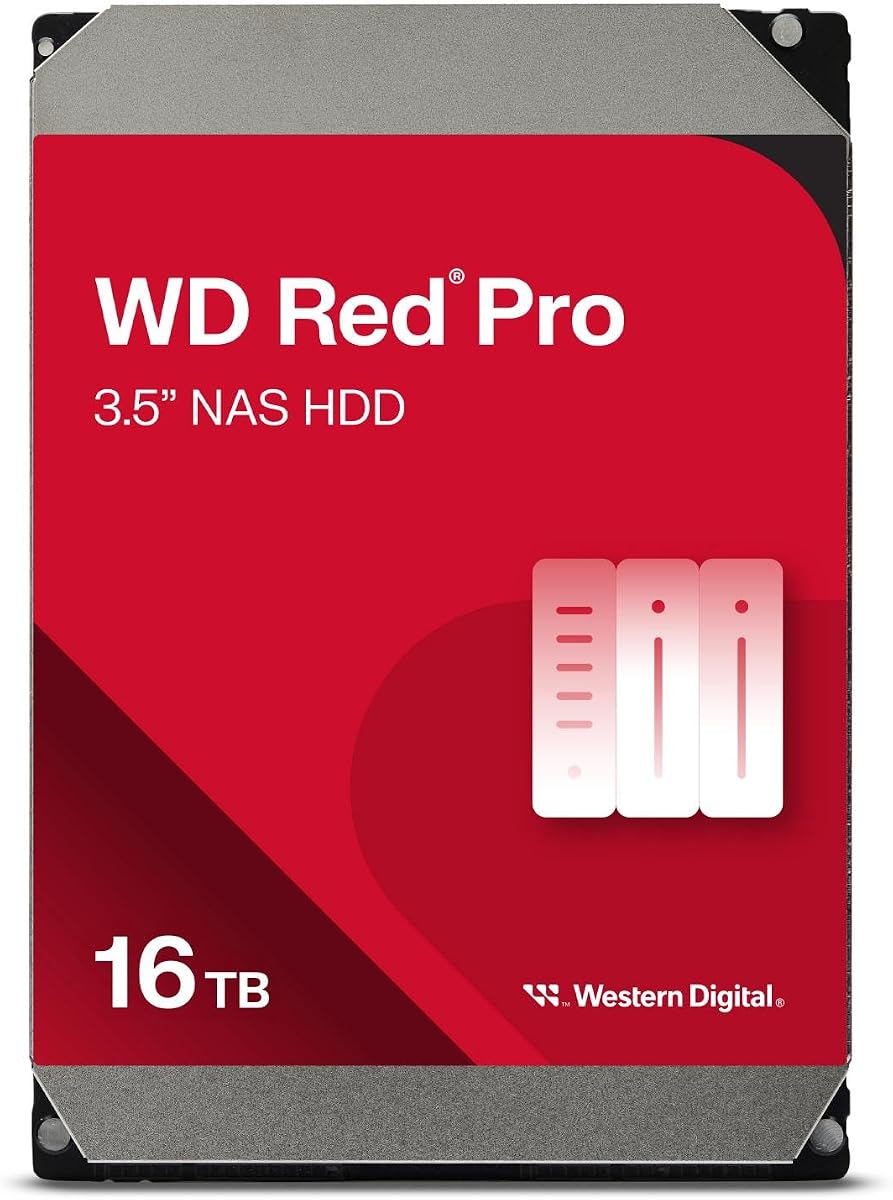
The Western Digital 16TB WD Red Pro offers a middle ground between conventional Red Plus capacity and the maximum density of the 26TB model. Its 3.9 rating should be read in the context of a specialized enterprise drive designed for intense 24×7 multi-user NAS environments, where capacity, workload endurance, and compatibility are more important than consumer rating comparisons.
We may earn a commission when you buy through this link, at no additional cost to you.
The WD161KFGX operates at 7200 RPM, includes 512MB of cache, and uses CMR with a SATA 6Gb/s interface. Its stated workload rating is 550TB per year, and the product is intended for RAID-optimized systems with unlimited bay support. Western Digital also notes extensive testing with NAS vendors, which is useful when assembling a multi-drive production array.
Mechanical drives remain less responsive than SSDs, and a 16TB member makes drive failure events consequential enough to demand multiple copies and tested recovery procedures. The enclosure must support large 3.5-inch drives, and its cooling should be adequate for sustained 24×7 operation. Users should also verify that the NAS vendor supports the exact model and capacity.
This is a strong fit for a growing video archive that needs more room than an eight-bay array of standard Red Plus disks can offer but does not require the absolute highest density. It can serve as the bulk storage layer in a studio or small production system, with SSDs reserved for databases or active projects. For a household with only a modest collection, the capacity may be unnecessary.
A 550TB annualized workload rating suits NAS environments that continually ingest, back up, retrieve, and replicate media. The figure provides a more meaningful durability signal for professional archives than customer ratings alone.
Support for NAS systems with unlimited bays allows integrators to plan around the drive as a scalable storage building block. Compatibility testing across a wide range of NAS vendors also reduces uncertainty when the archive is assembled.
We may earn a commission when you buy through this link, at no additional cost to you.
The WD Red SA500 is the highest-rated product in the guide at 4.7 and stands apart from the hard-drive choices by using 3D NAND flash. Rather than serving primarily as a huge cold archive, it is optimized for caching, fast access to frequently used files, and performance-sensitive NAS workloads that benefit from low latency.
We may earn a commission when you buy through this link, at no additional cost to you.
The WDS400T2R0A provides four terabytes of capacity, a SATA III 6Gb/s interface, and performance up to 560MB/s. The supplied description says it is purpose-built for NAS, with endurance intended for heavy read and write activity in 24×7 environments. It is also listed as improving responsiveness for transactional databases, multi-user setups, photo rendering, and 4K and 8K video editing.
The limiting factor is the SATA interface and cost per terabyte. A single SA500 cannot take full advantage of a 10GbE or faster network when sequential transfers exceed what the bus can deliver, and using it for the entire archive may be unnecessarily expensive. In a mixed NAS, the more compelling role is as a cache or hot-storage tier, with high-capacity hard drives holding the long-term archive.
Choose the SA500 for applications that need immediate response, shared project files, databases, or frequently accessed footage. It is an excellent complement to a Red Plus or Red Pro array rather than a direct substitute when the goal is inexpensive mass retention. Confirm that the enclosure supports 2.5-inch SATA SSDs and the intended cache, hot-data, or application function.
Flash storage removes the rotational seek delay of hard drives, which makes the SA500 well suited to editing timelines, shared databases, and recently used media. It can make a NAS feel more responsive even when the long-term library resides on mechanical drives.
The drive is specified for sustained NAS read and write demands rather than occasional desktop use. Its 24×7 endurance focus makes it better aligned with active application storage than a general consumer SSD placed into a multi-user enclosure.
We may earn a commission when you buy through this link, at no additional cost to you.
The WD Purple Pro 10TB is a surveillance-oriented drive that can be useful in video-heavy environments where continuous recording matters more than editing interactivity. Its 4.0 rating places it among the lower-rated products here, but its stated workload and frame-management features make it a specialized option rather than a general-purpose NAS recommendation.
We may earn a commission when you buy through this link, at no additional cost to you.
The WD102PURP provides ten terabytes of capacity, 512MB of cache, SATA 6Gb/s, and a 550TB yearly workload rating. AllFrame technology is intended to reduce dropped frames, while WD Device Analytics supports proactive health management. These features align well with cameras that continuously write footage, including facilities that retain video around the clock.
A surveillance drive is not automatically the ideal choice for a production archive containing 4K and 8K camera masters. Creative editors may prioritize random access, responsiveness, NAS-specific tuning, and confirmed compatibility with the chosen enclosure and applications. The product information also refers to a family available up to 24TB, while the specific listing shown here is the 10TB model.
Consider the Purple Pro when the archive is primarily a recording destination, access pattern is sequential, and the NAS or video system is designed to support surveillance media. It is less compelling for a collaborative editing NAS where quick metadata access and active project performance are central. Confirm bay, recording-system, and NAS support before using it as part of a mixed-purpose array.
The high workload rating and AllFrame technology focus on the sustained writes associated with surveillance systems. That makes the drive a natural consideration for facilities retaining streams from multiple cameras around the clock.
WD Device Analytics is intended to provide proactive drive health management. For an unattended video repository, that visibility can help administrators identify potential trouble before a recording gap becomes serious.
We may earn a commission when you buy through this link, at no additional cost to you.
The right archive balances usable capacity, sustained throughput, drive specialization, enclosure compatibility, and protection. Because high-resolution footage can grow rapidly and a NAS is often operated continuously, buyers should evaluate the complete storage system rather than selecting a drive from capacity alone.
A NAS-specific drive is designed around the sustained workloads, vibration levels, and operating patterns associated with multi-bay enclosures. WD Red Plus and WD Red Pro models include NASware, RAID-oriented recovery features, and continuous-operation positioning. A general-purpose desktop drive can still be useful in a lightly loaded system, but it does not carry the same explicit optimization for 24×7 arrays.
Raw capacity and usable capacity are not the same thing. Four-terabyte drives are appropriate for modest libraries, while 8TB, 10TB, 16TB, and 26TB options can reduce the number of drives needed for extensive footage. RAID also consumes space for redundancy, and published maximum figures often assume RAID 0. Estimate the footage you have, expected annual growth, protected-copy overhead, and any separate backup requirement before choosing a capacity tier.
Archiving camera originals is largely a sequential-write task, while previews and active project files may involve more random access. The listed 190MB/s sustained transfer for the BarraCuda and the faster NAS-oriented models indicate different performance tiers. The 10GbE platform in the UGREEN DXP4800 Plus and optional 10GbE or 25GbE upgrade cards for the Synology DS1825+ can move data quickly, but the hard drive and each client must also support that path.
A 2.5GbE NAS is a meaningful upgrade for many home archives, while 10GbE is better aligned to professional ingest and editing. The DH4300 Plus uses 2.5GbE, the DXP4800 Plus includes 10GbE, and the DS1825+ can use upgraded 10GbE or 25GbE cards. Remember that a fast NAS cannot overcome a 1GbE client, an older switch, Wi-Fi contention, or a router with unsuitable port handling.
A useful archive platform may need more than file sharing. The DH4300 Plus supports Docker but not virtual machines, while the DXP4800 Plus supports both. The DS1825+ targets multi-user editing, databases, virtual machines, media services, high availability, and enterprise support. Consider whether you need media indexing, transcoding, active editing, remote access, permissions, backup automation, or a durable service for simultaneous users.
Hard drives are economical for retaining large libraries, but their seek times can make applications and active media feel sluggish. The WD Red SA500 provides four terabytes of flash storage, up to 560MB/s performance, and NAS-oriented endurance for caching, hot files, and demanding reads. A mixed architecture often works best: hard drives for long-term mass storage and SSDs for active projects, metadata, or frequently used assets.
RAID improves availability, but it is not a substitute for a separate backup. The DS1825+ offers high-availability clustering, automated failover, comprehensive backup, and enterprise support. Other systems can automate local backups, yet all need a protected copy of irreplaceable footage. RAID level, drive failure tolerance, snapshot or versioning support, offsite destinations, and a tested restoration process should form part of the purchase decision.
High-capacity 7200 RPM drives generate more heat and vibration than slower models, while 2.5-inch SSDs may require a compatible carrier or bay. Confirm the enclosure's supported dimensions, drive interface, maximum capacity, cooling provisions, and operating conditions. Continuous drives are designed to run for long periods, but adequate airflow remains necessary for stable performance and drive longevity.
Begin by checking the NAS and drive compatibility lists, then install each drive according to the enclosure instructions. Configure a RAID level that matches the required balance between usable capacity, performance, and fault tolerance. If the platform includes diskless enclosures, remember to select storage separately, format the new volume according to the manufacturer's guidance, and enable the intended backup or synchronization service.
Create the archive workflow deliberately. Ingest camera originals into clearly named folders, preserve original metadata where possible, and keep proxy files, edit projects, exports, and final masters in understandable locations. Schedule automatic backups, test access from each relevant operating system, and grant only the permissions required by collaborators. For high-resolution editing, use a wired connection and consider SSD caching or a separate hot-storage layer for active timelines.
Care for the system by monitoring drive health, temperature, array status, and backup notifications. Keep the enclosure in a ventilated, stable location, avoid frequent abrupt shutdowns, and make sure every bay has appropriate airflow. Periodically verify that a sample file can be restored, not merely that a backup job reports success. When replacing a drive, follow the NAS procedure for identifying the failed member, rebuilding the array, and confirming that all files remain healthy.
For a multi-bay NAS that runs continuously, a NAS-specific drive is generally the better choice. Models such as WD Red Plus and WD Red Pro include NAS tuning, RAID-aware recovery, and vibration considerations intended for dense arrays. A desktop drive can work in a lightly loaded enclosure, but it is a less conservative choice for critical footage and sustained multi-user access.
An SSD is not strictly required to store footage, but it can greatly improve responsiveness for active timelines, previews, databases, and frequently used files. The WD Red SA500 is designed for NAS caching and high-read workloads. A practical archive often combines high-capacity hard drives for retention with SSD space for the files currently being edited or served.
The answer depends on the bitrate, codec, duration, number of camera files, and number of copies you retain. Raw or lightly compressed 4K and 8K footage consumes substantially more space than compressed deliverables, so estimate current footage and annual growth first. Remember that RAID reduces usable capacity, and a separate backup requires additional storage or offsite space.
No. RAID can keep a volume available after certain drive failures, but it does not protect against accidental deletion, malware, enclosure failure, theft, fire, or corruption affecting the whole array. Keep at least one independent backup and periodically test restoration so that availability is not mistaken for recoverability.
It is a useful improvement over 1GbE and works well for many household archives, especially when files are transferred sequentially. Large 8K originals, multi-user editing, and simultaneous backups may benefit from 10GbE. The NAS, client computer, switch, cabling, drive performance, and file sizes all influence the result.
Larger drives can reduce bay count, cabling, and maintenance, while smaller drives can make capacity expansion more granular. Large models also concentrate more data on each member, so redundancy and backup become especially important. Choose based on enclosure limits, cooling, failure tolerance, expansion plans, and the total cost of the complete array.
Yes, provided the system has sufficient network and storage performance. The UGREEN DXP4800 Plus and Synology DS1825+ support high-speed workflows and multiple services, while the DH4300 Plus is more oriented toward home users and remote access. For demanding concurrent editing, use appropriate network hardware, sufficient aggregate throughput, and SSD acceleration where needed.
A rating can provide a broad signal about customer satisfaction, but it does not replace workload specifications. Compare capacity, recording method, NAS optimization, workload rating, enclosure compatibility, and intended use. The highest-rated product here is an SSD intended for caching or hot files, while some lower-rated hard drives are specifically designed for continuous multi-bay workloads.
The WD Red Plus 4TB is the budget-conscious starting point, offering NAS-aware operation, CMR recording, and continuous-use design without moving to a high-capacity Pro model. The UGREEN DXP4800 Plus is the strongest all-round choice for families, creators, and small teams because it combines 10GbE, modern application support, remote access, and organized media features.
The Synology DS1825+ is the premium recommendation for professional production environments that need concurrent 4K and 8K access, high-speed networking, expansion, and enterprise-grade protection. Prioritize the complete workflow: choose the right enclosure, match NAS-specific drives to the workload, plan RAID and backups, and use SSD or high-speed networking when the editing experience matters.
Before ordering, verify current compatibility, capacity support, network requirements, and pricing for the complete system. Prices and availability change, and adding drives, adapters, expansion units, or faster networking can materially change the final configuration. The best archive is not simply the largest or fastest option; it is the system that protects your footage, fits your space, and remains practical to maintain.